Wrong project
Field workers should not have to remember which project folder matches the address they are standing in.
 ClearPoint

Construction field documentation
ClearPoint uses each photo's GPS location and your saved project addresses to automatically link job-site photos to the right project, so field workers stay organized without remembering folder names.
The everyday mess
When site documentation is spread across employee phones, shared drives, and hand-named folders, project managers lose time and companies lose control of their own records.
Field workers should not have to remember which project folder matches the address they are standing in.
Photos arrive without a clear time, date, address, or explanation of where the work happened.
Project evidence ends up tied to employee-owned cloud accounts instead of a company library.
Field crews need the right drawings and folders, while archived work should stay protected.
How it works
Set up the project, folders, documents, and assigned team from the admin website.
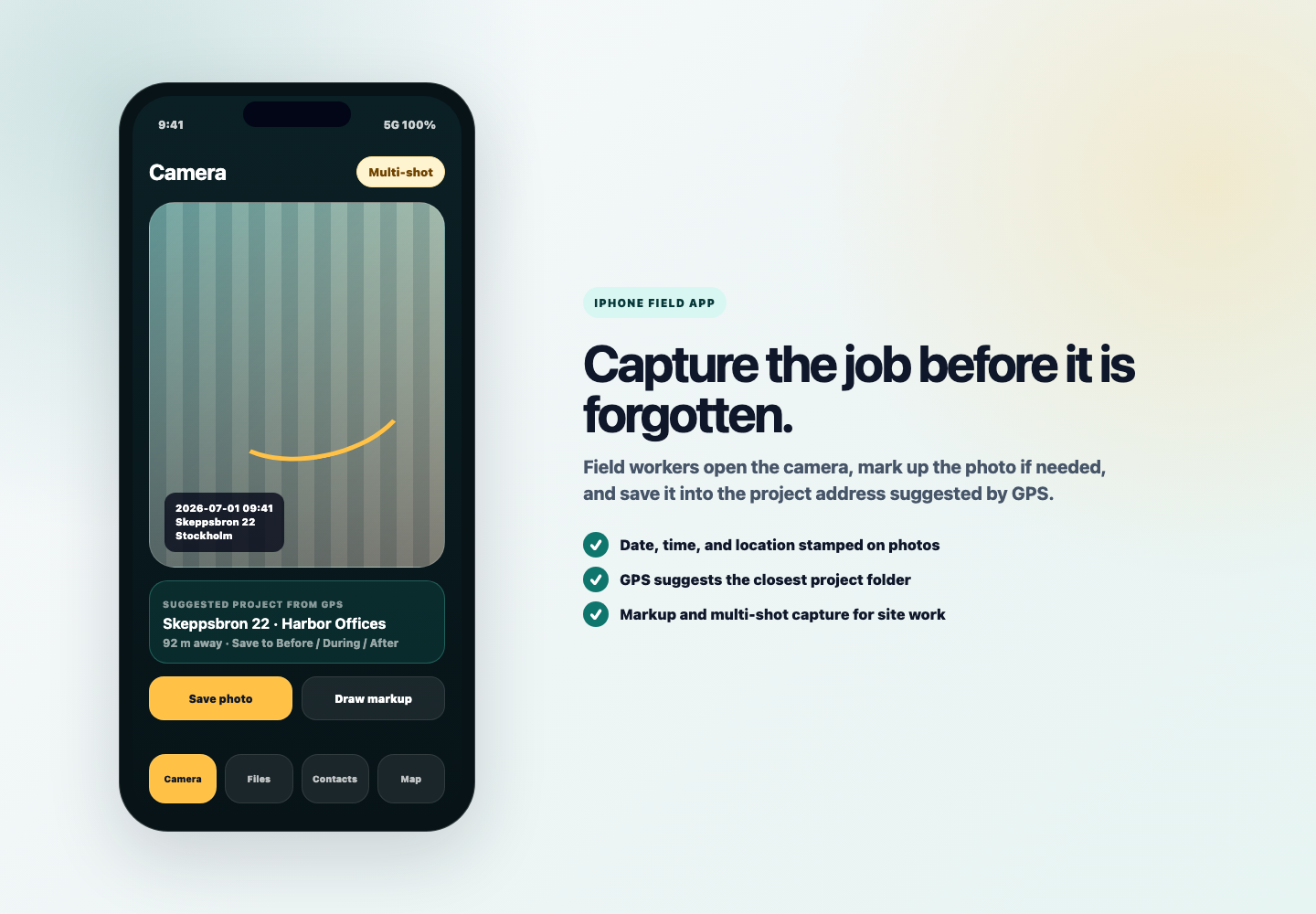
Open the iPhone app, take photos, add markup, and let GPS carry the project context.
ClearPoint compares the photo location with stored project addresses and links it to the matching project.
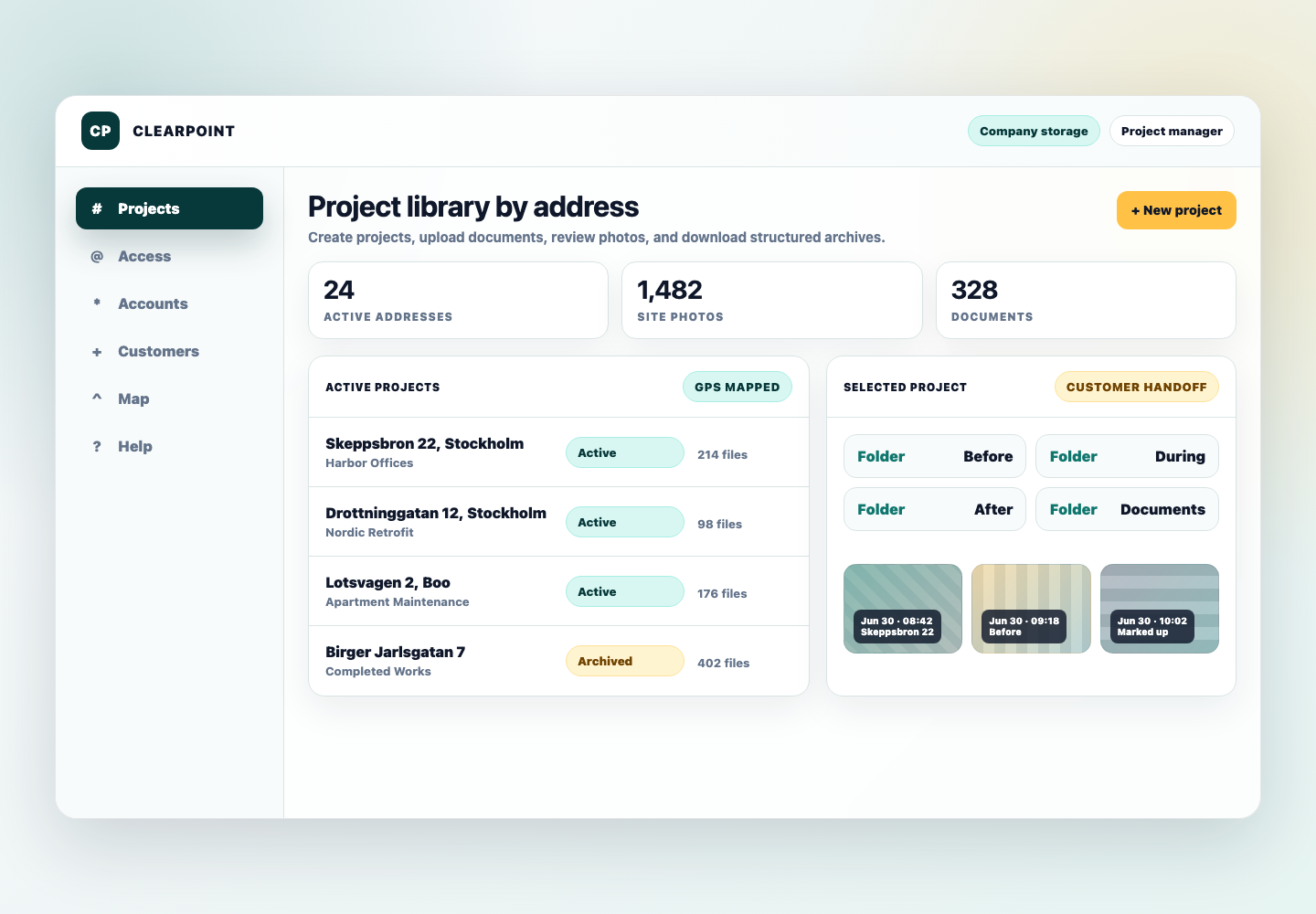
Photos, PDFs, drawings, and records appear in the organized company project library.
GPS project matching
Each project address has a GPS location. When a worker takes site photos, ClearPoint uses the phone location to match those photos to the correct project address automatically. The result is simple: fewer misplaced photos, less folder hunting, and cleaner documentation from the field.

iPhone field app
The field app is camera-first for busy crews. Photos can be stamped with time, date, and location context, then automatically matched to the project address where the work happened.
Admin website
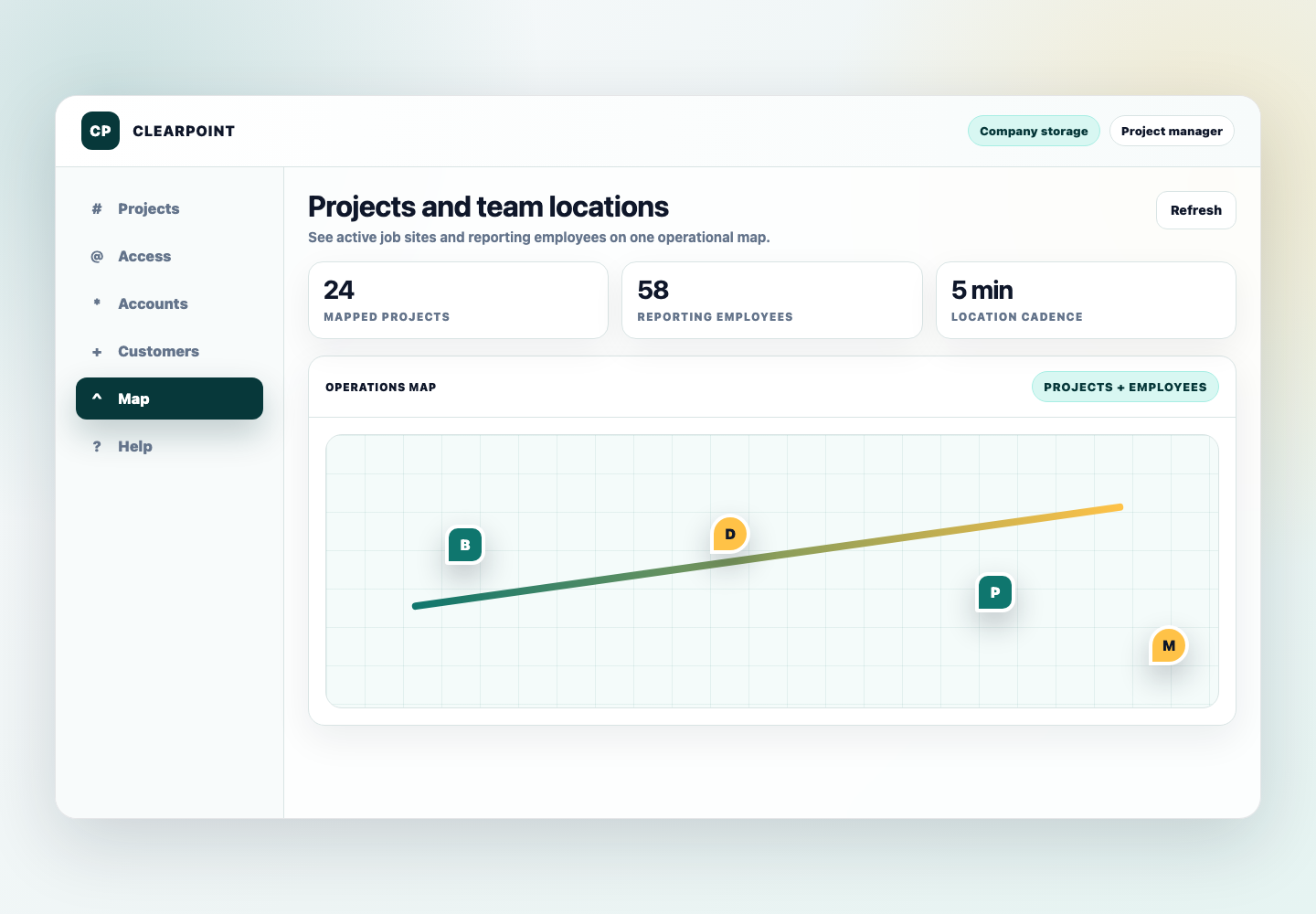
From a desktop browser, admins and project managers can create project addresses, upload folders, review photos, manage employees, and download project archives.
Access and control
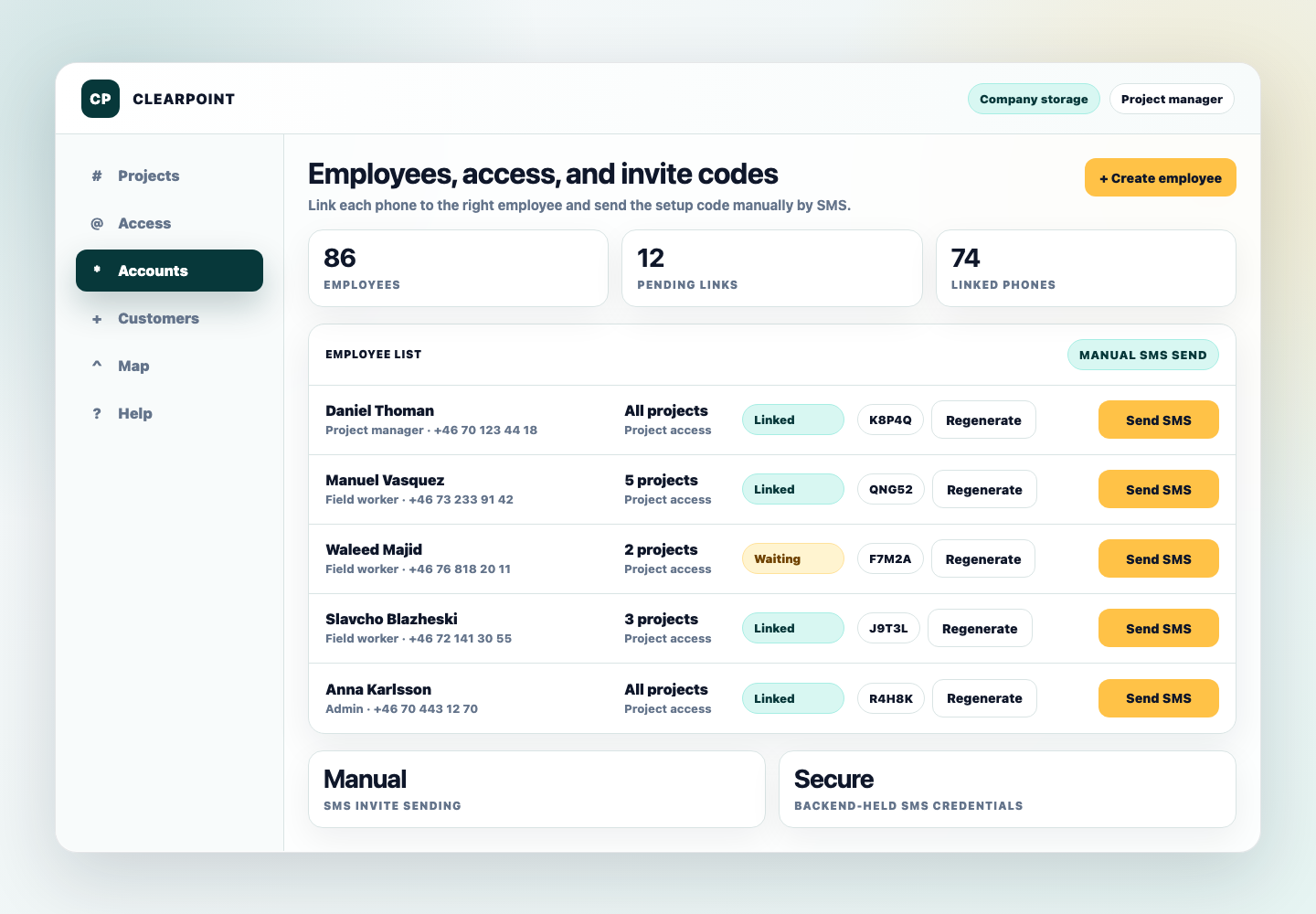
ClearPoint is built for teams that need every active site documented, every user assigned intentionally, and every archived project preserved without becoming editable field clutter.
Useful on day one
Keep every stage of work connected to the project address and folder.
Find proof photos and supporting files faster when a customer asks.
Make PDFs and drawings available to assigned employees in the field.
Download folders or whole project archives with the structure intact.
Keep recurring address work searchable for future service visits.
Field files
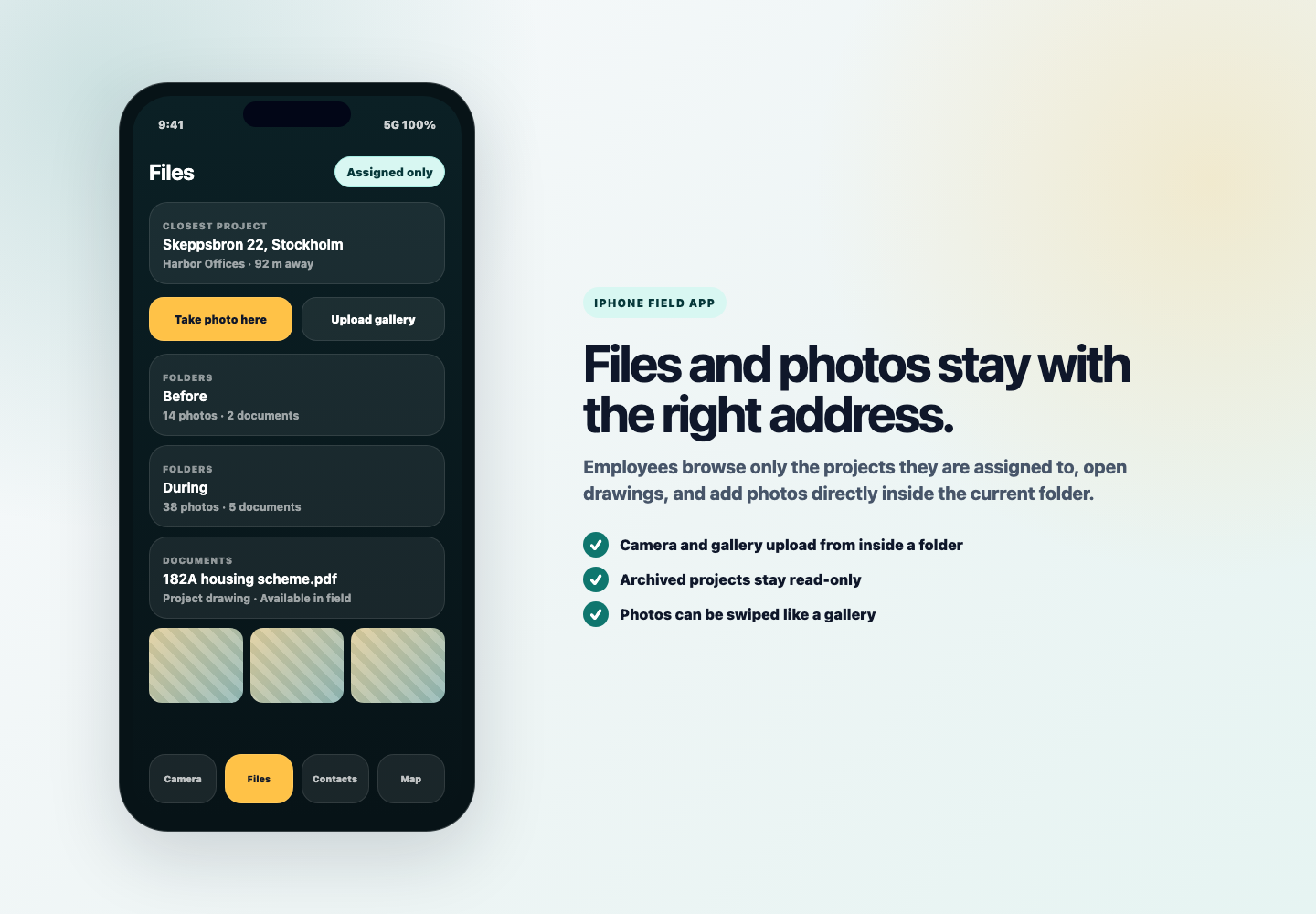
Workers can browse assigned project folders, open files, upload gallery photos, and add new documentation without managing a separate storage system.
Request access
ClearPoint is a practical pilot for construction, renovation, maintenance, and site-service teams that need cleaner project evidence and file control.